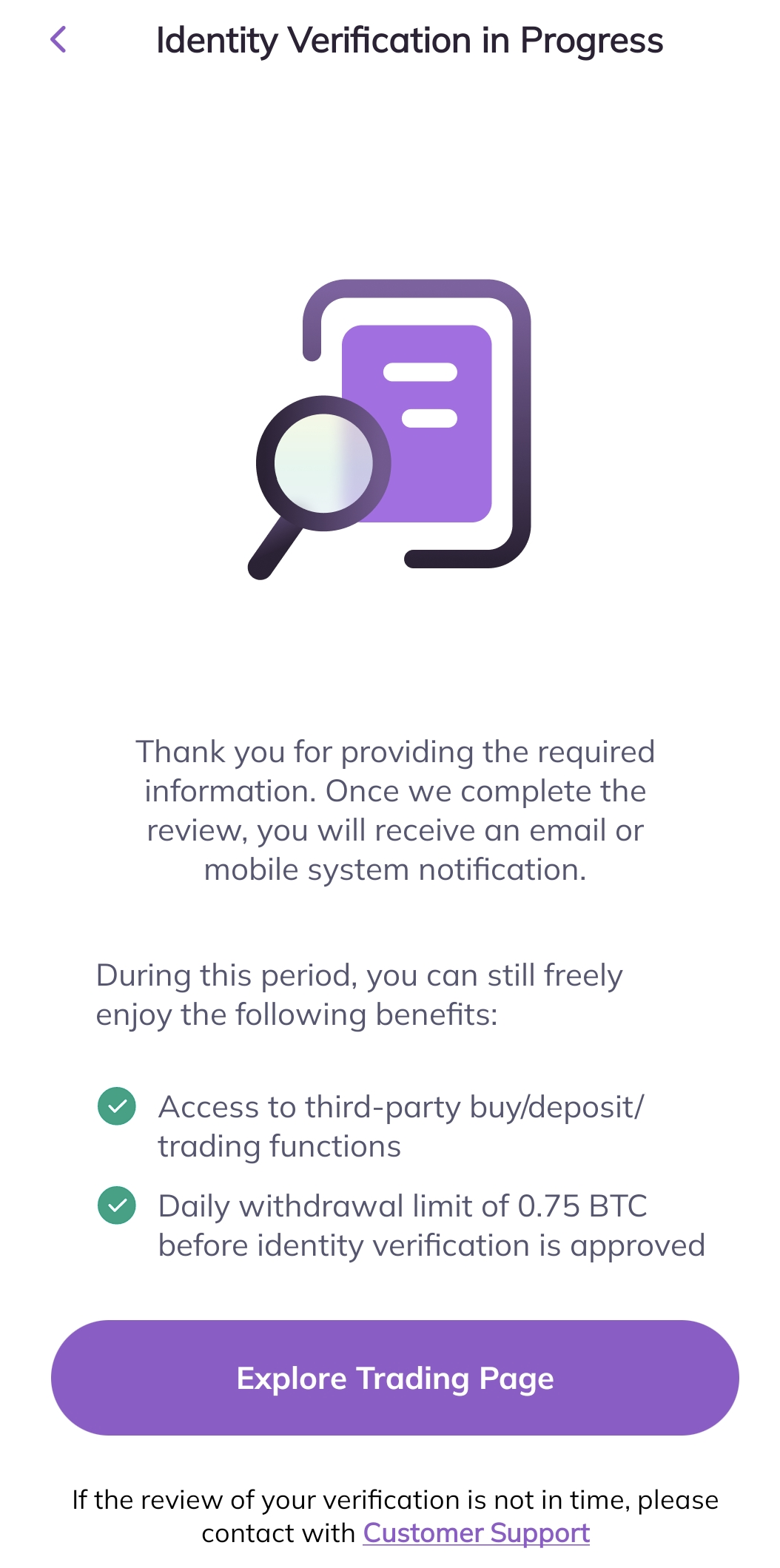
In order to be eligible for exclusive benefits and higher withdrawal limits, please ensure your identity verification is complete. Here’s how to verify your account!
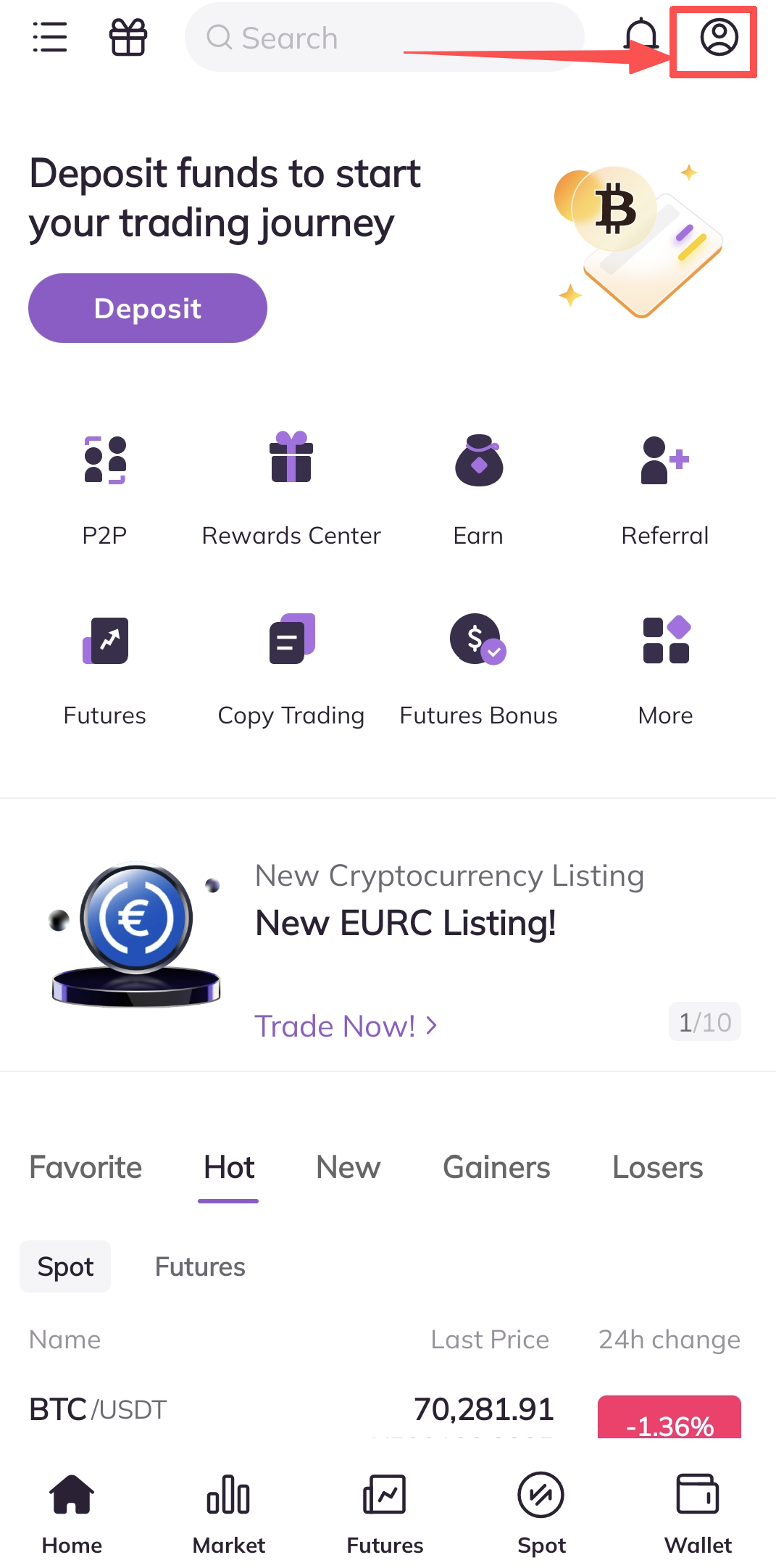
1. First, open the AscendEX app and click on your profile icon in the upper right coner to enter your Profile Settings page.
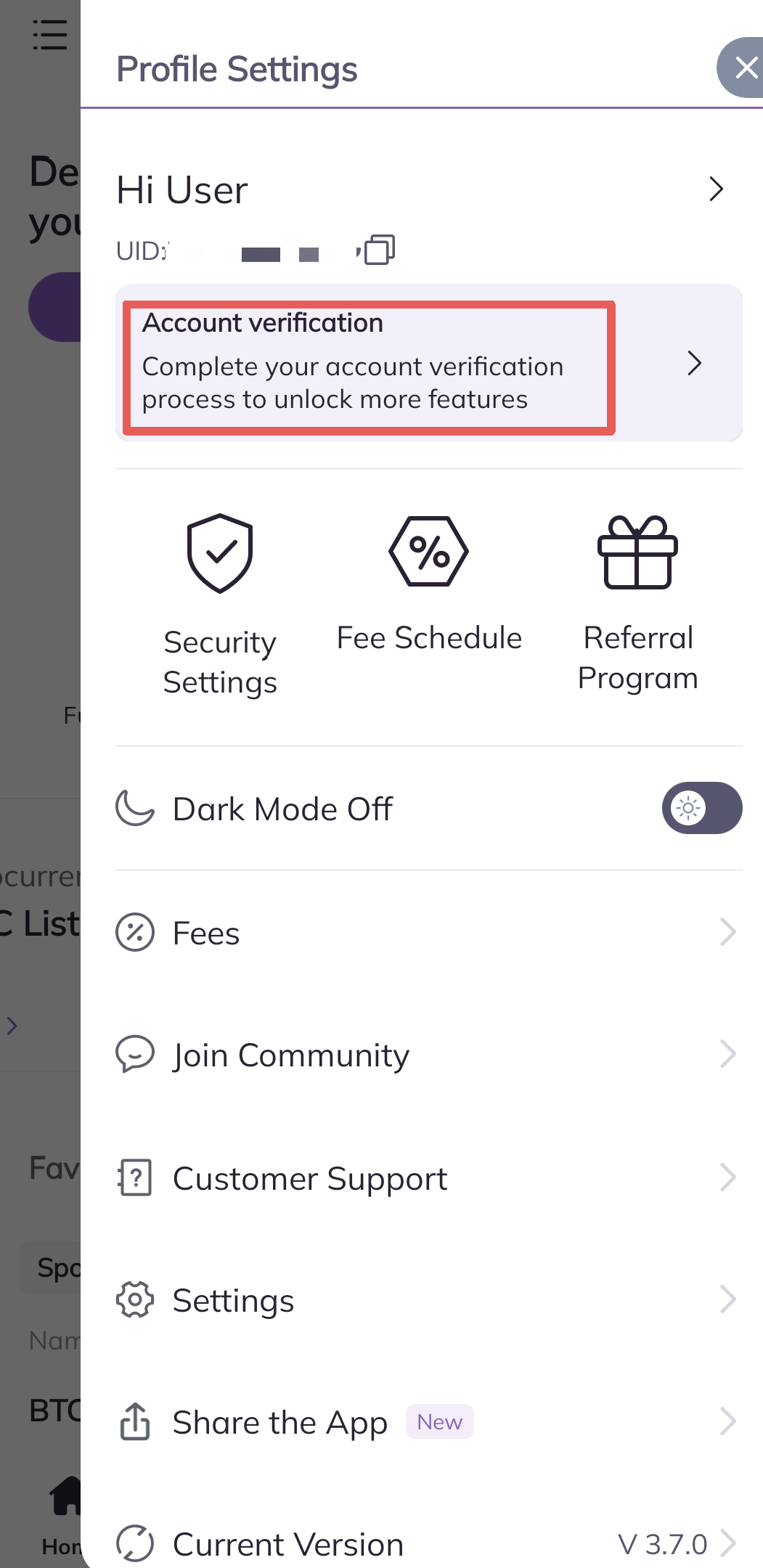
2.Click Account verification to start the verification process
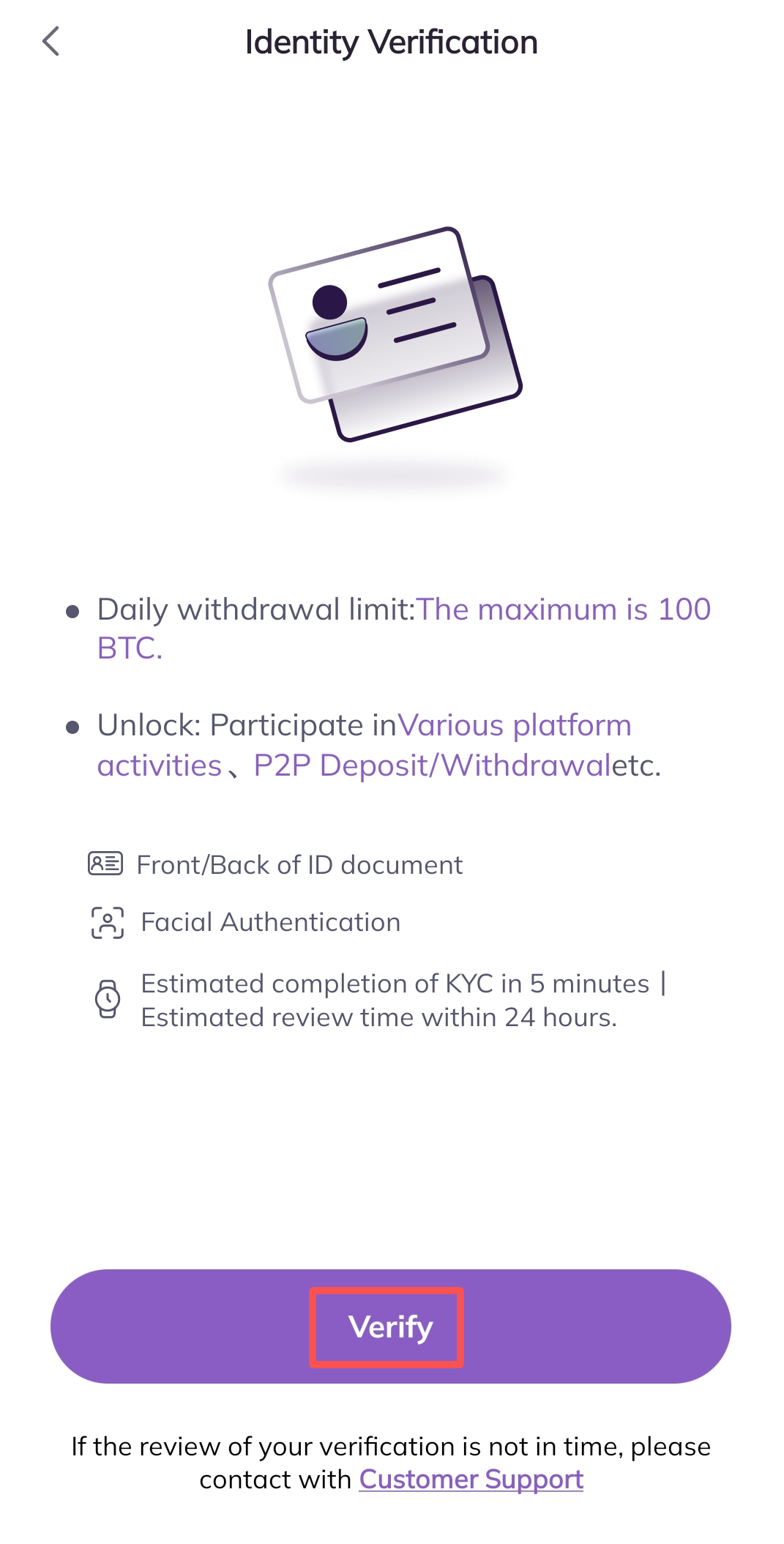
3. Enter the Identity Verification page, click Verify button
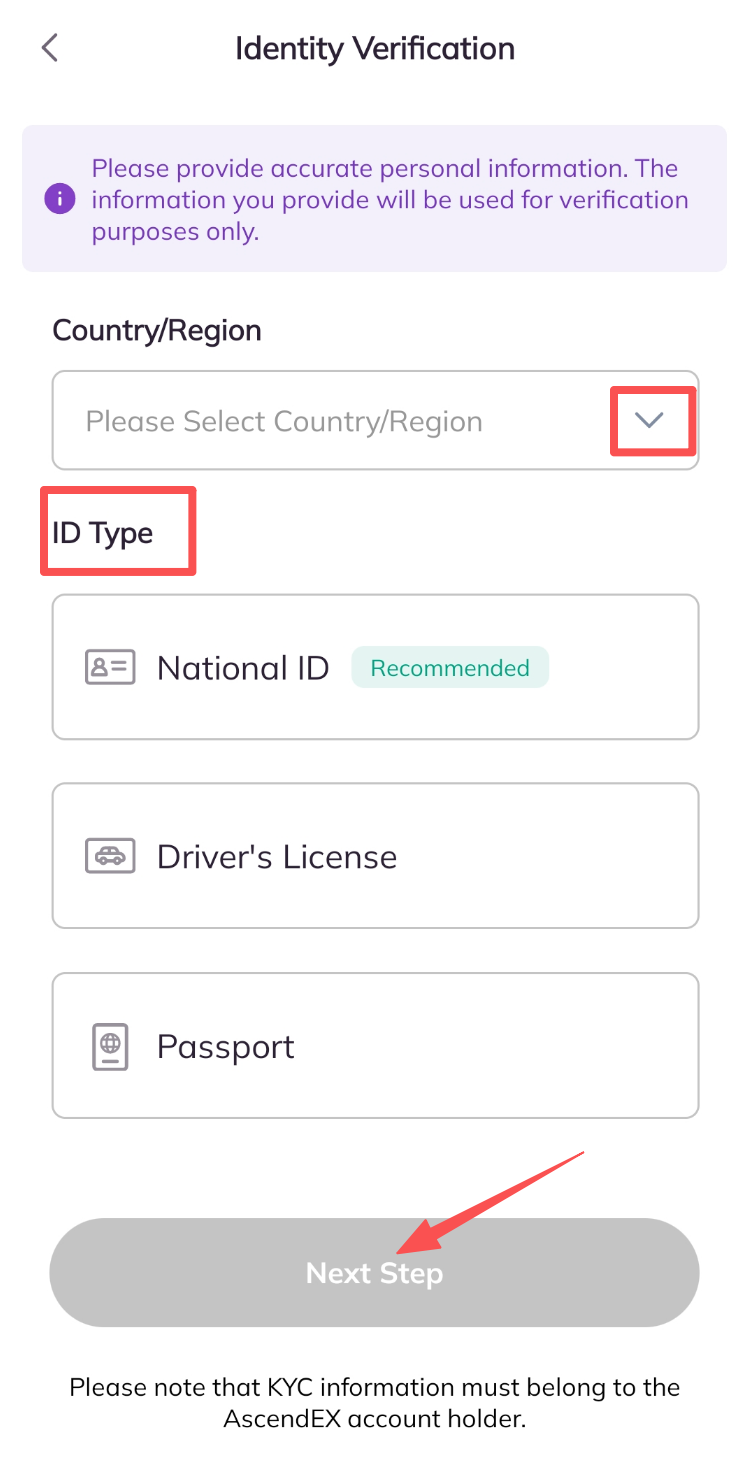
4.Choose Your Country/Region ,ID Type, then click Next Step button
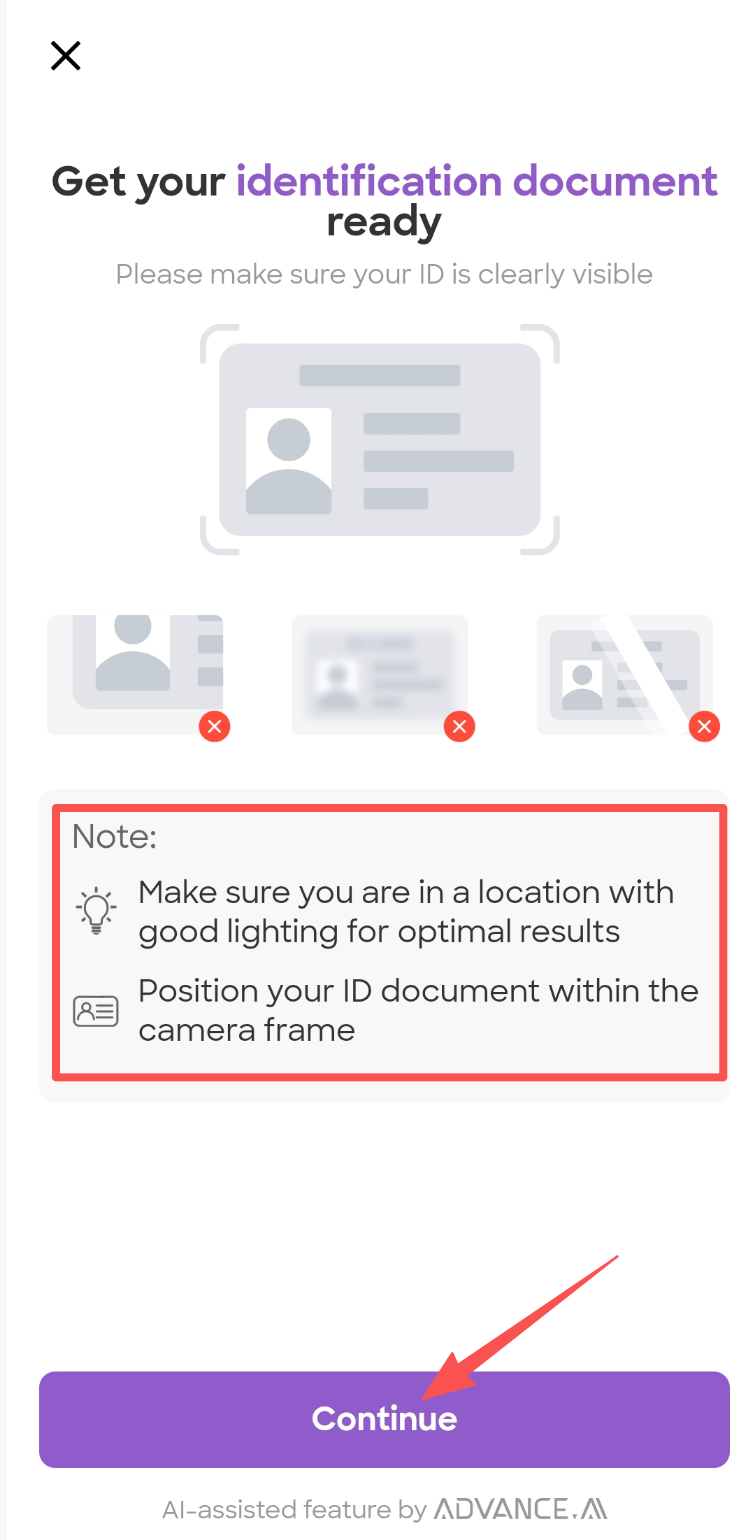
5. Get your identification document ready, and click Continue button
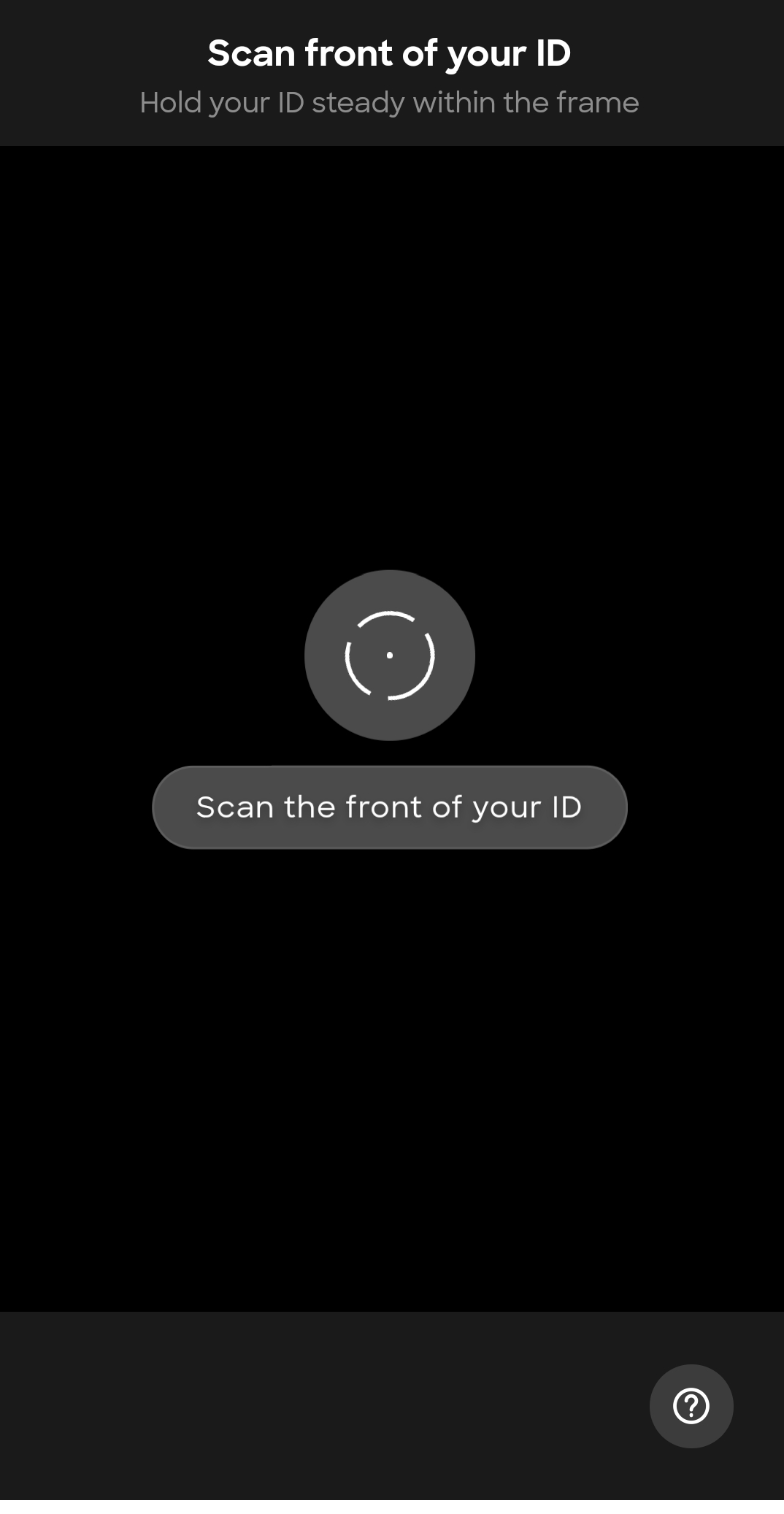
6. Place your document within the frame until it is automatically captured. Please scan both sides of the document.
7.Continue to start Liveness verification
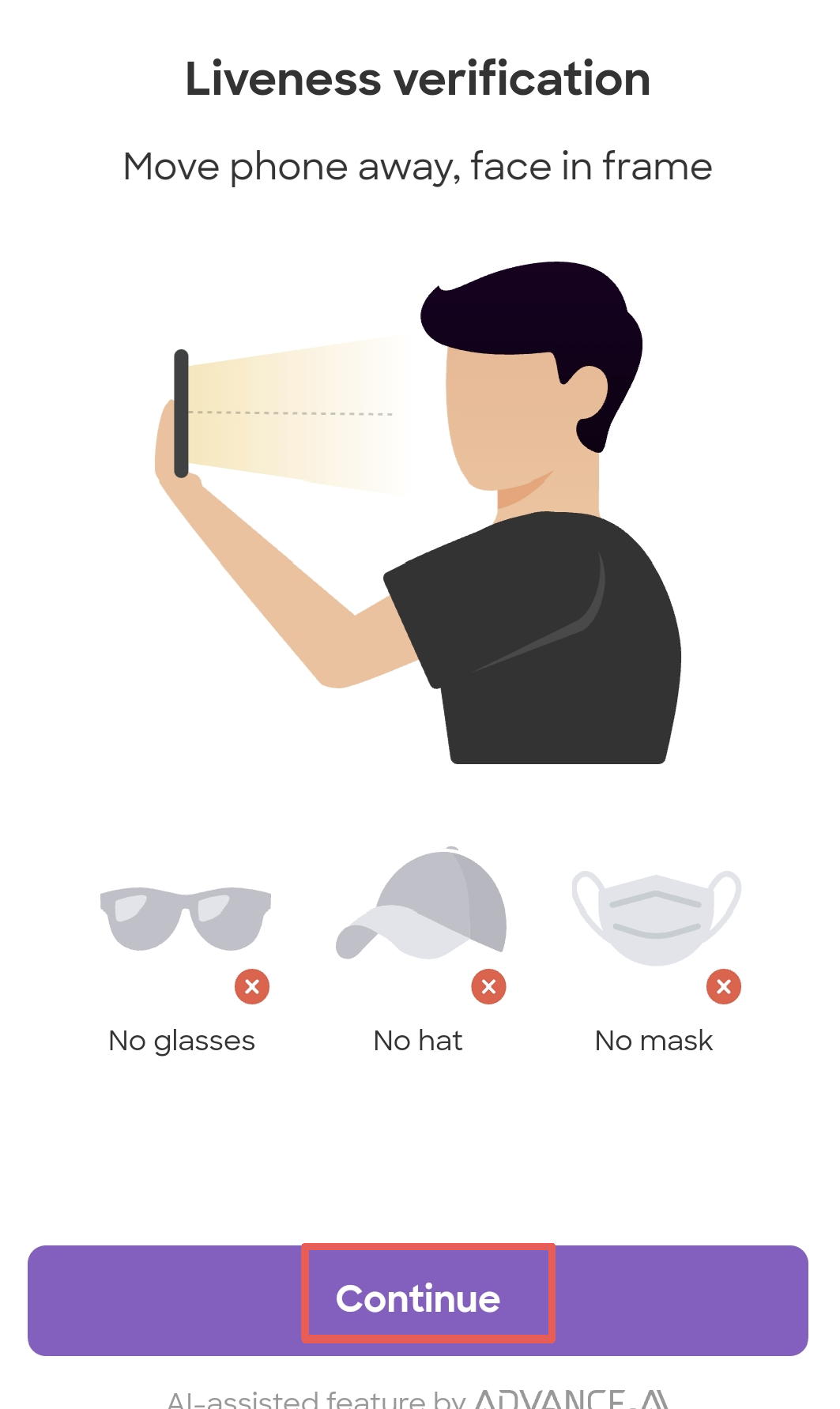
8.Please make sure to center your face within the frame and follow the on-screen instructions to complete the facial recognition scan.

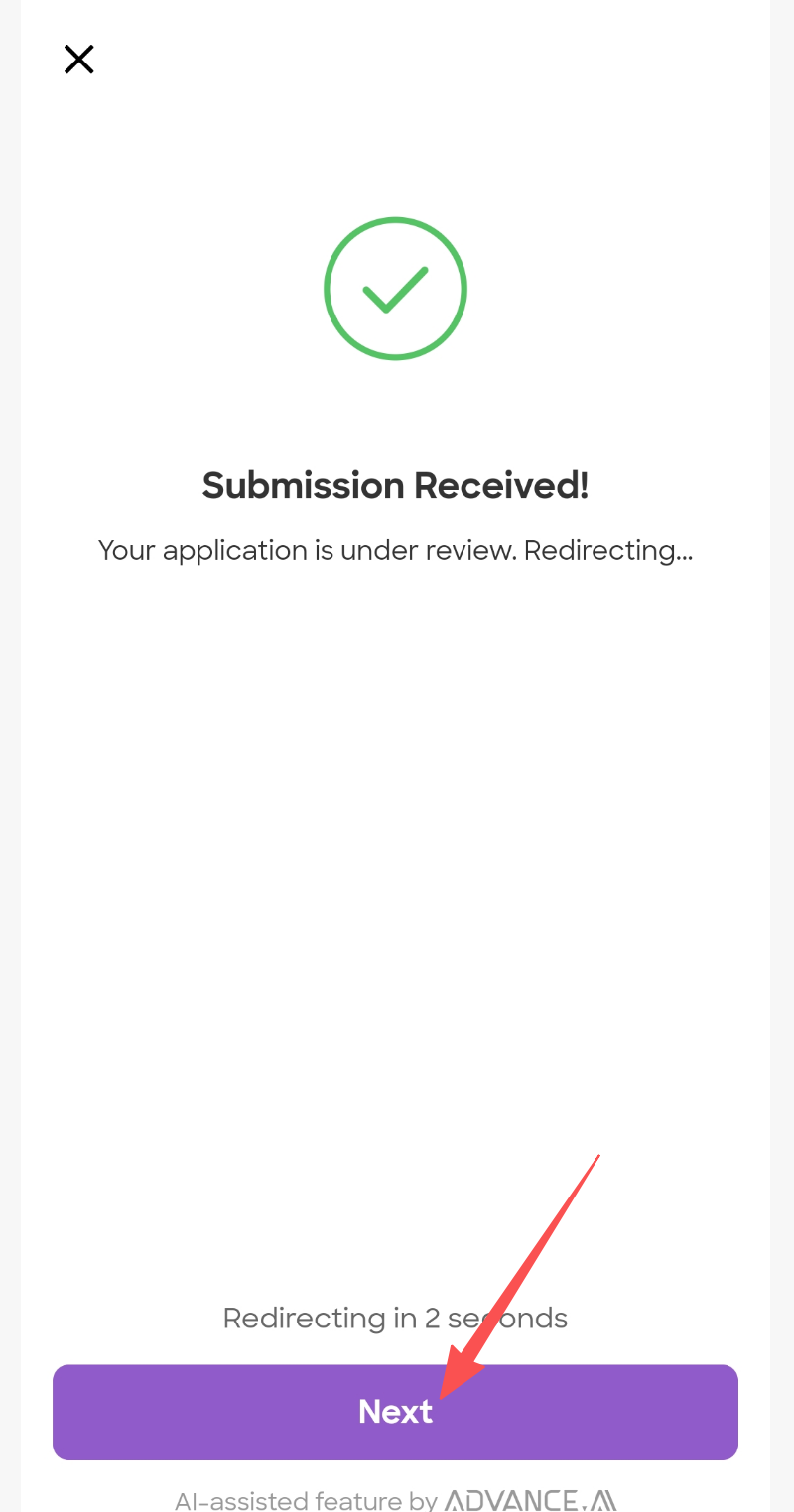
9.Please wait for the page to redirect.
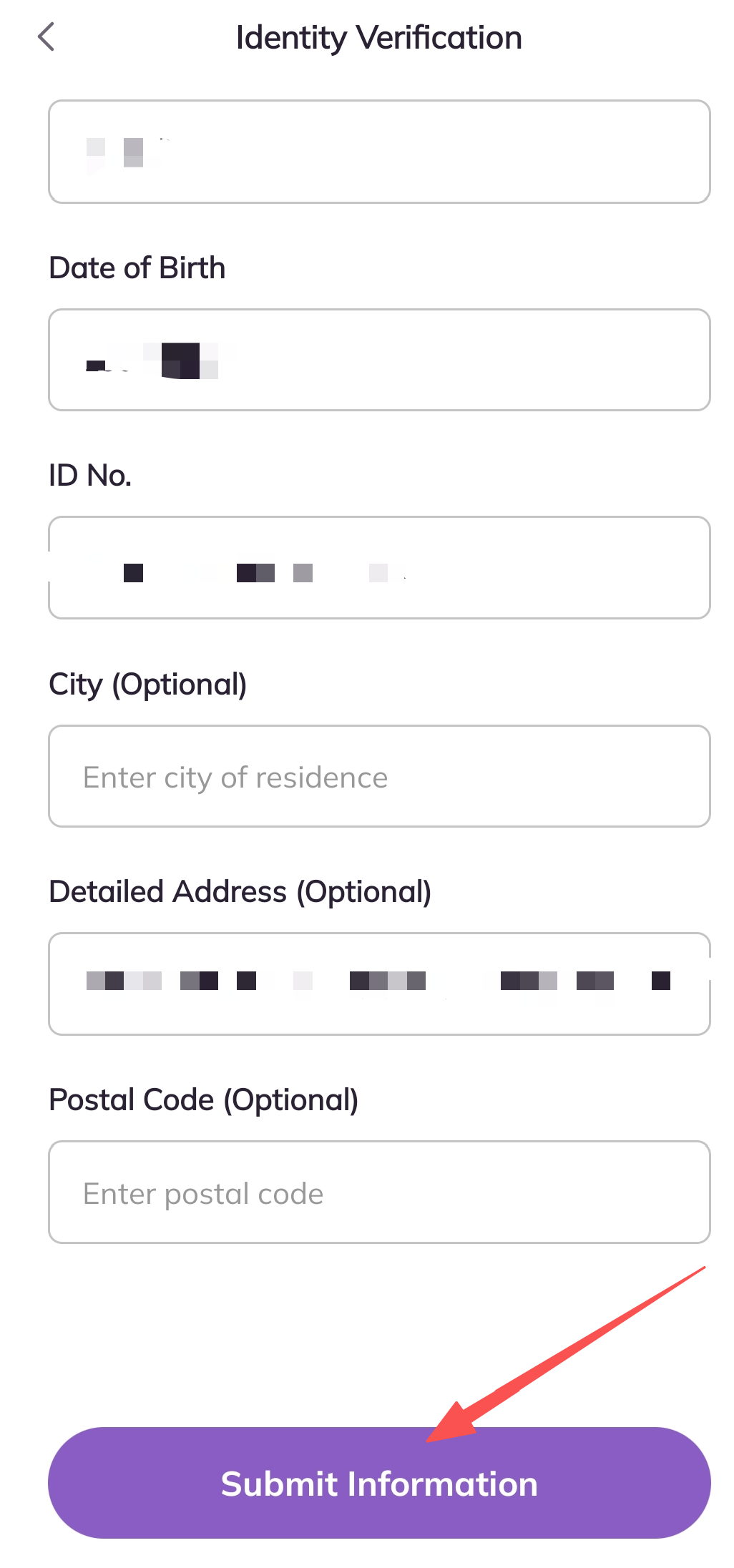
10. Check your information again, and click Submit Information button
11. Identity Verification is in Progress. Once it is completed, you will have a verified account.