1. Check on “Earn” Page
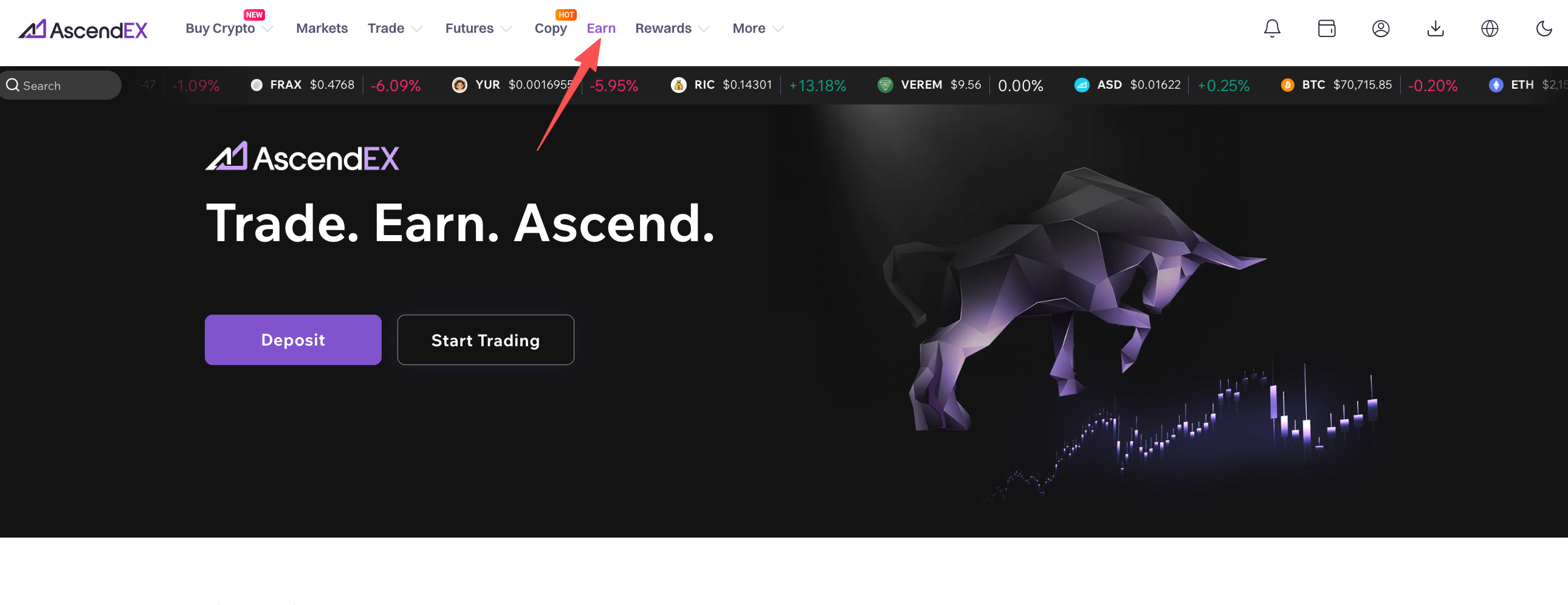
1) Open AscendEX’s website, click on “Earn” in the homepage.
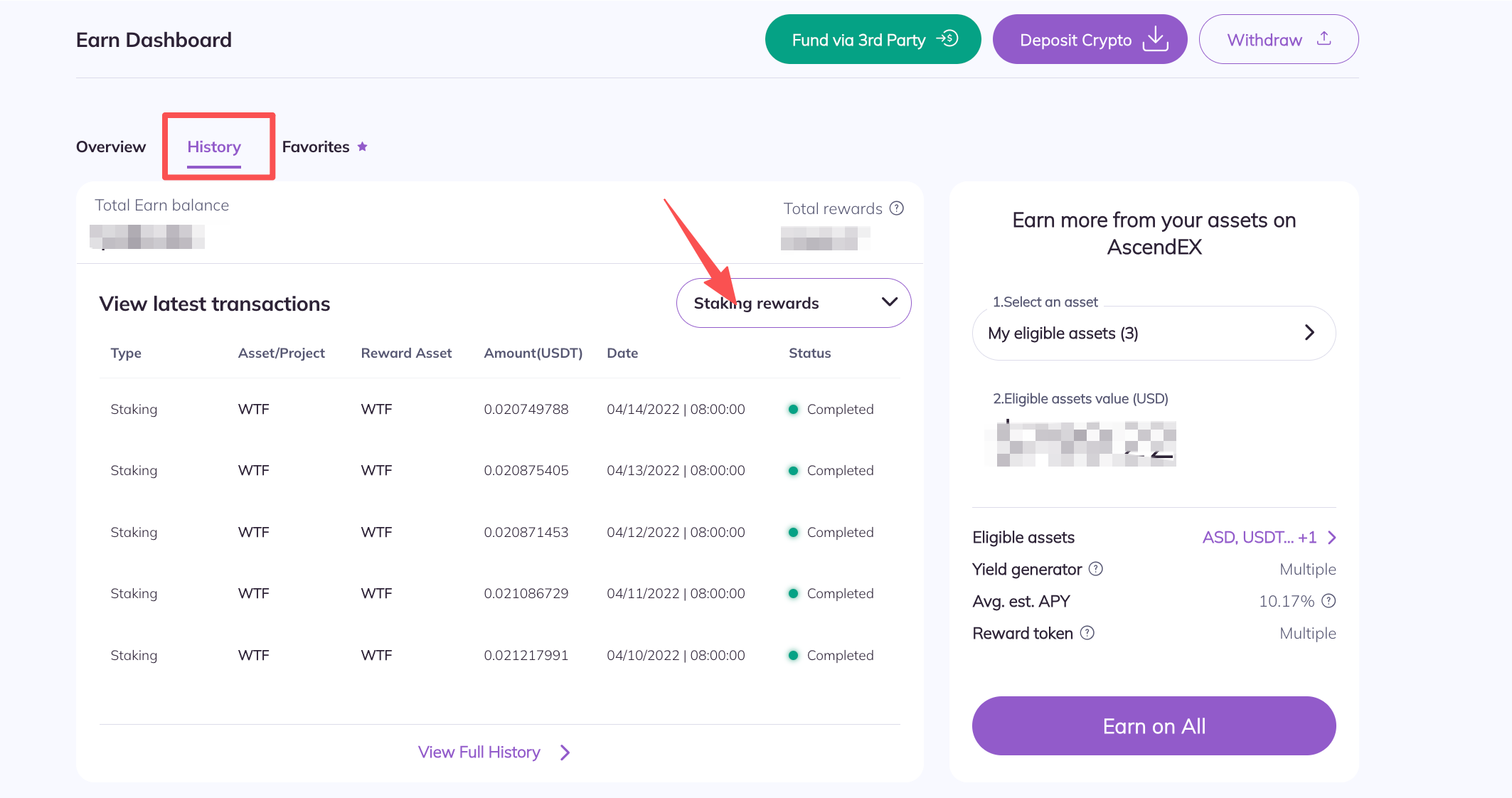
2) On the “AscendEX Earn” page, click on “History”.
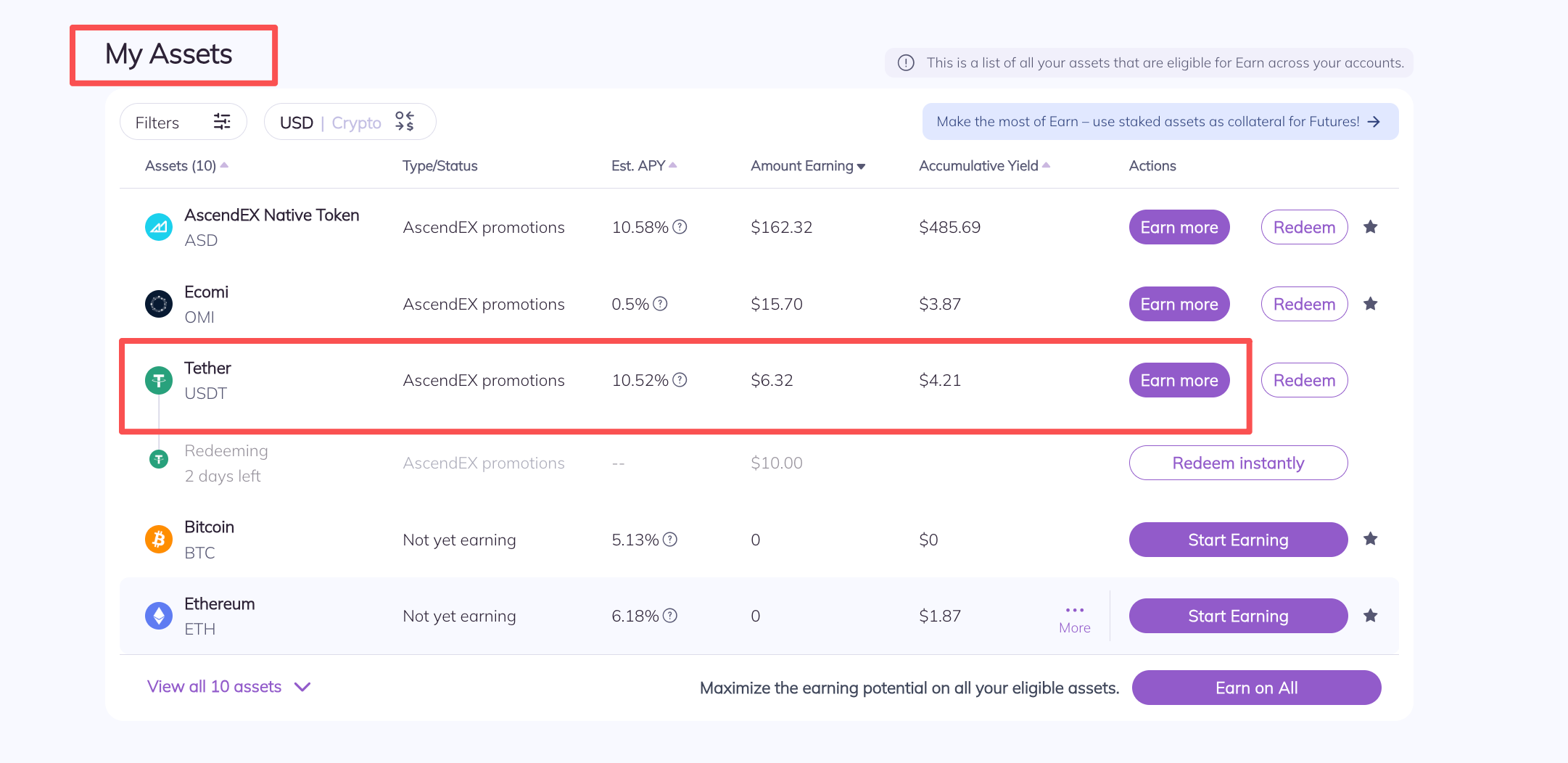
3) On “Earn-My Assets”, you can view your total staking returns. You can also search for information such as rewards by directly typing in the investment type, project name and staked token.
2. Check from “Earn History”
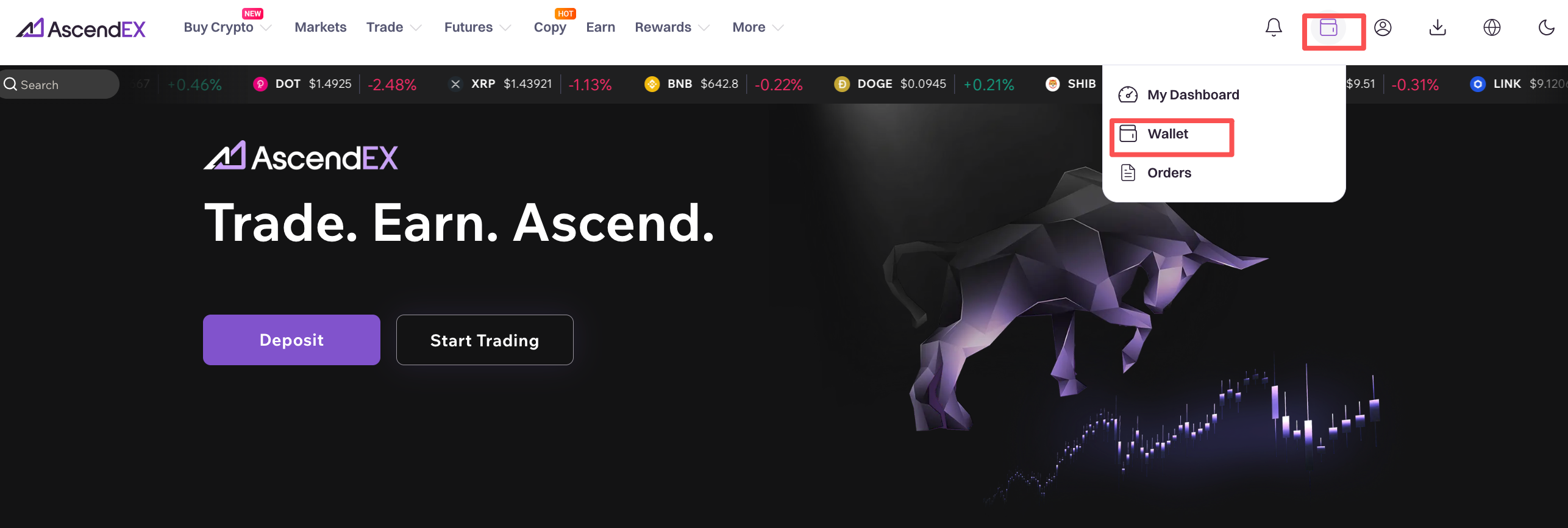
1) Open AscendEX’s website, click on “Wallet” in the homepage.
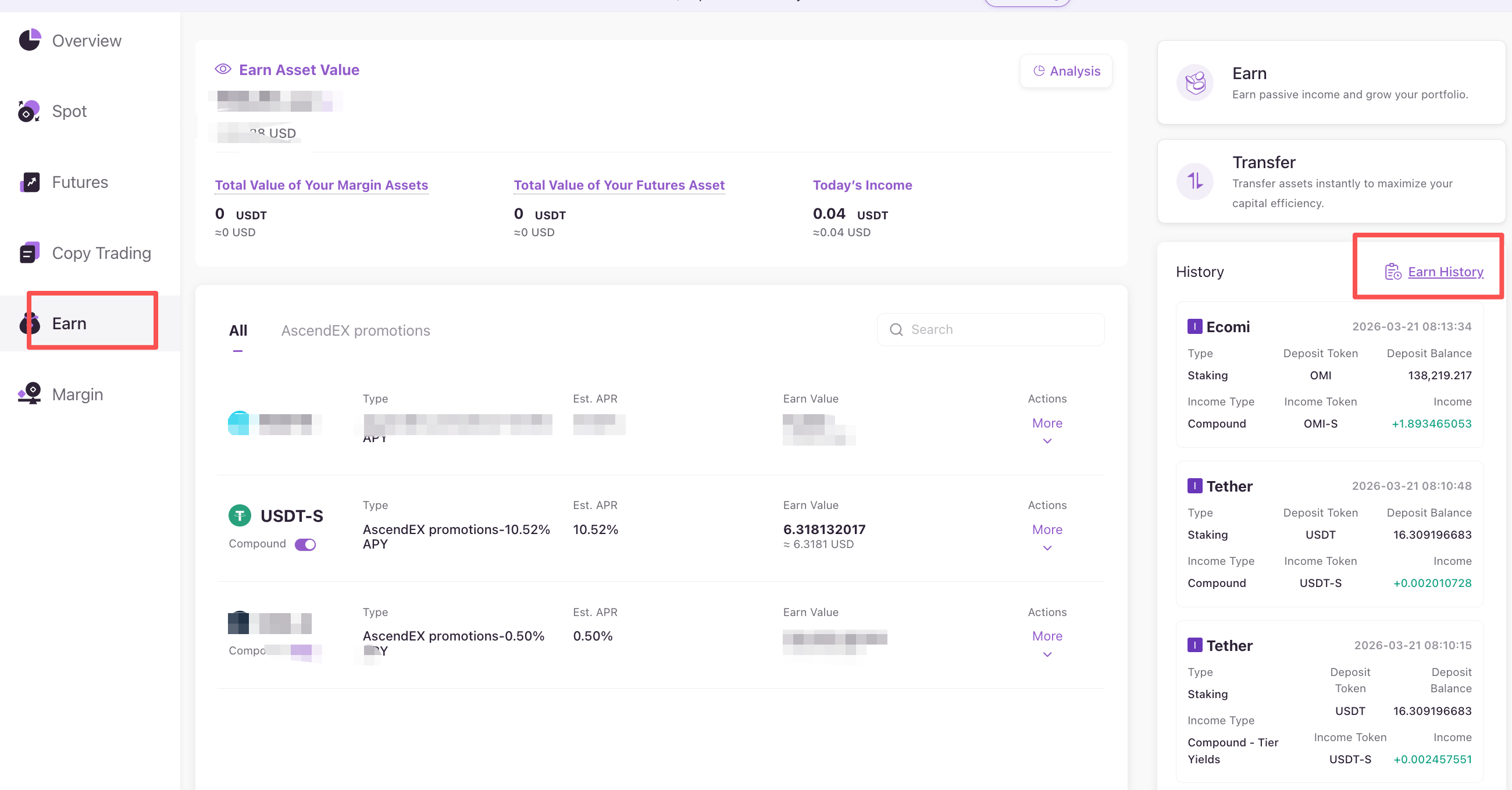
2) On the “Earn ” page, click “Earn History”.
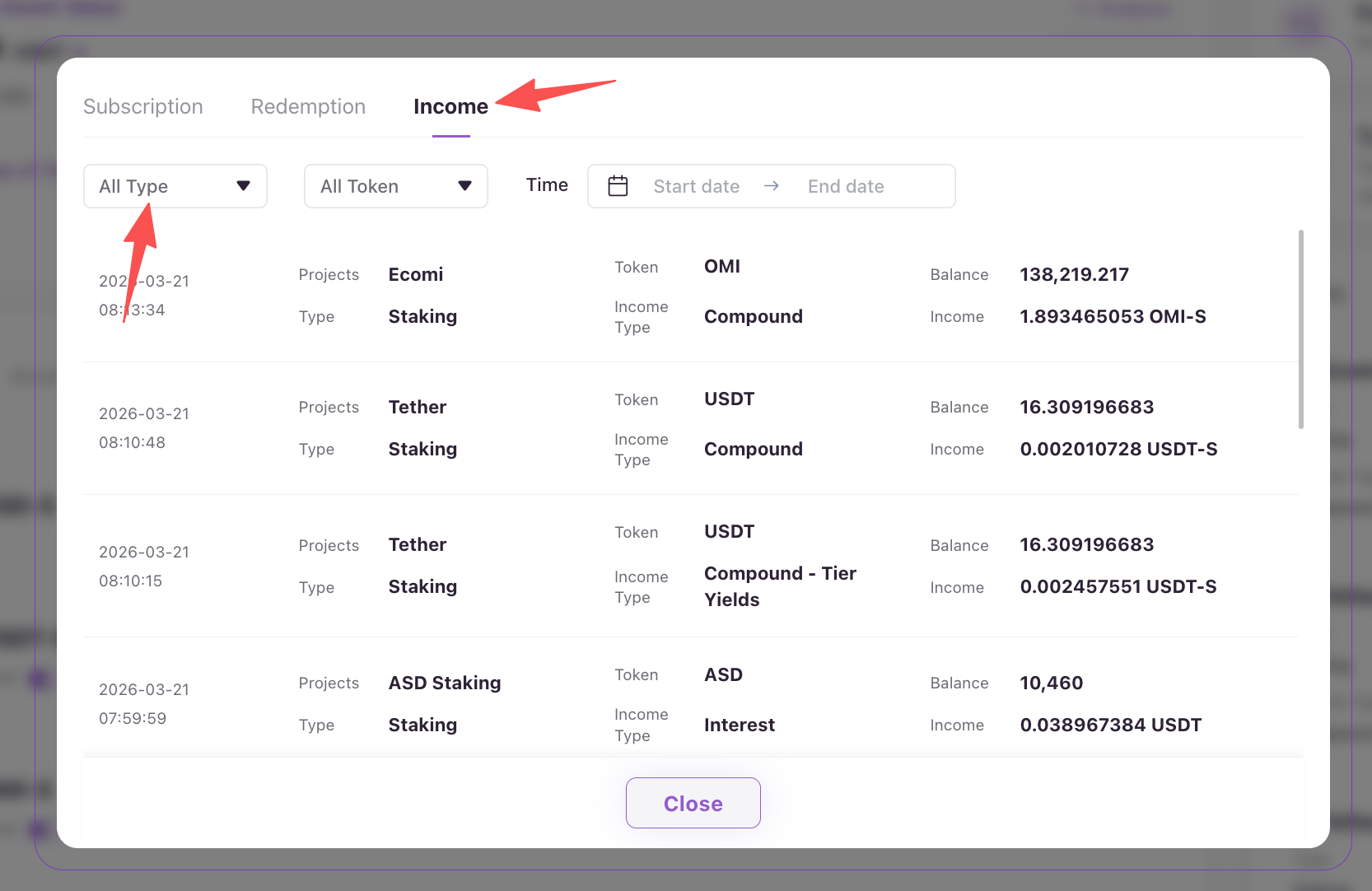
3) On “Reward History” page, click “All Type” and select “Staking” in the dropdown menu to check the staking reward history.