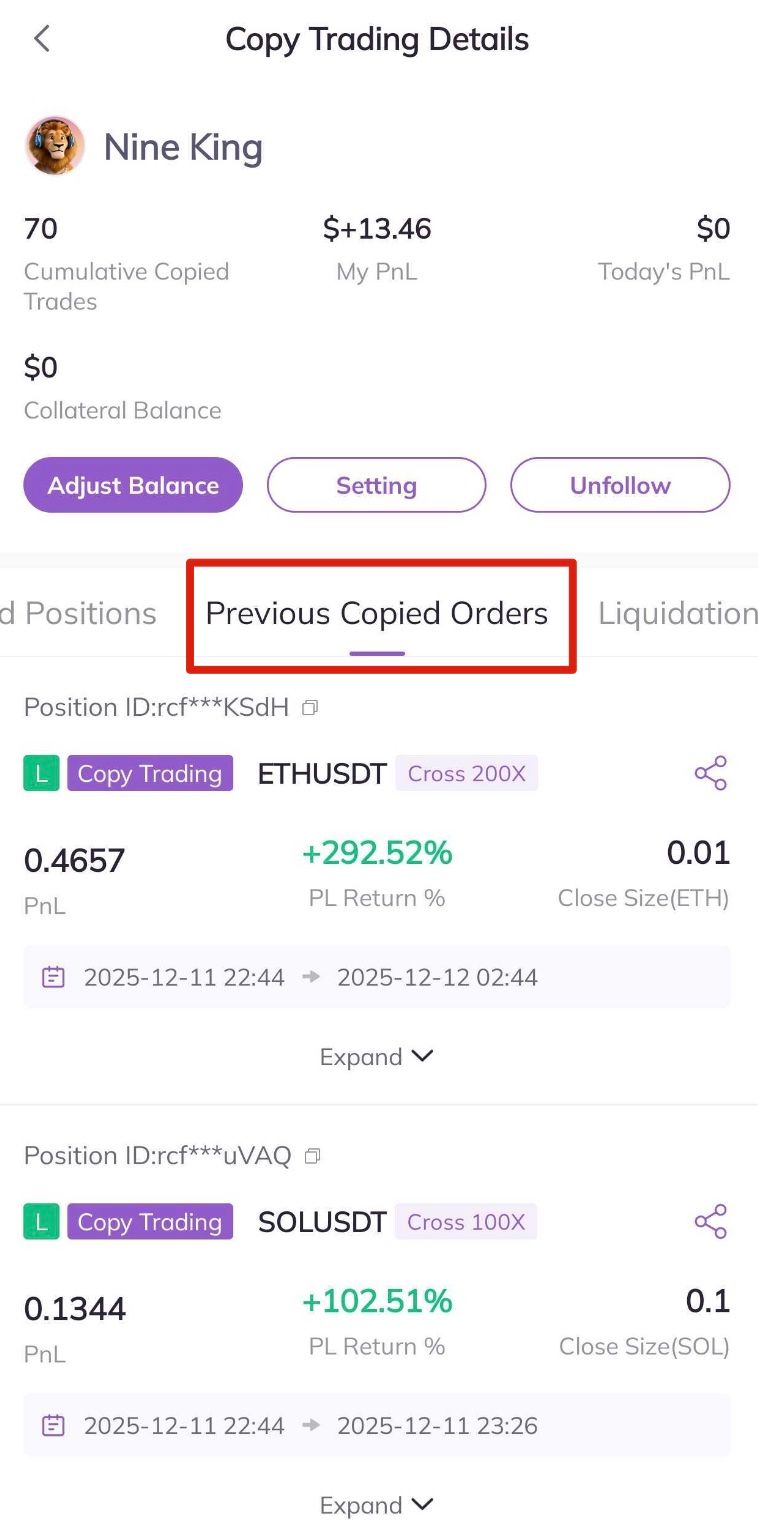
If you want to check your profits after conducting copy trading, you may reference the following steps.
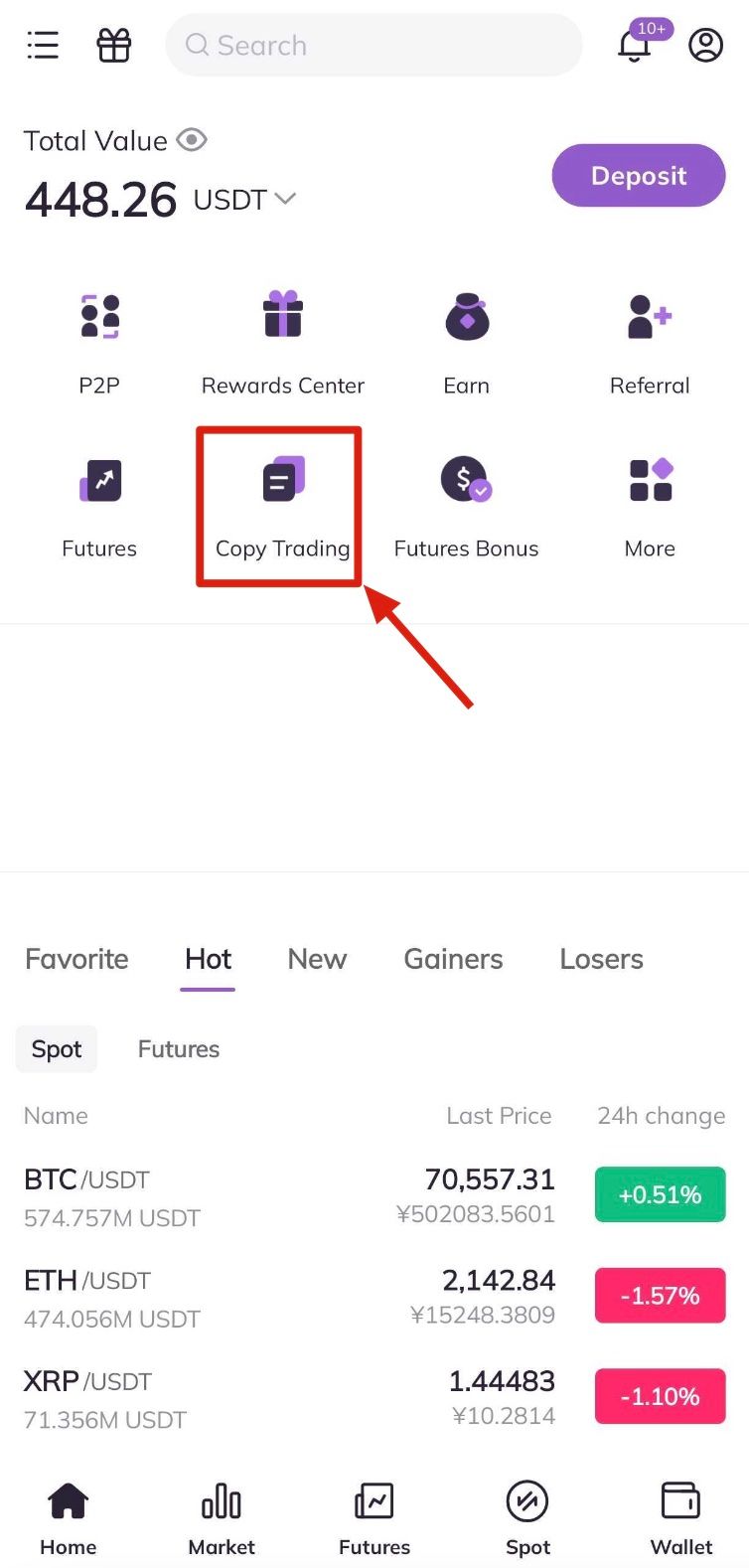
1. Log in to the AscendEX app, and click Copy Trading at the bottom of the homepage.
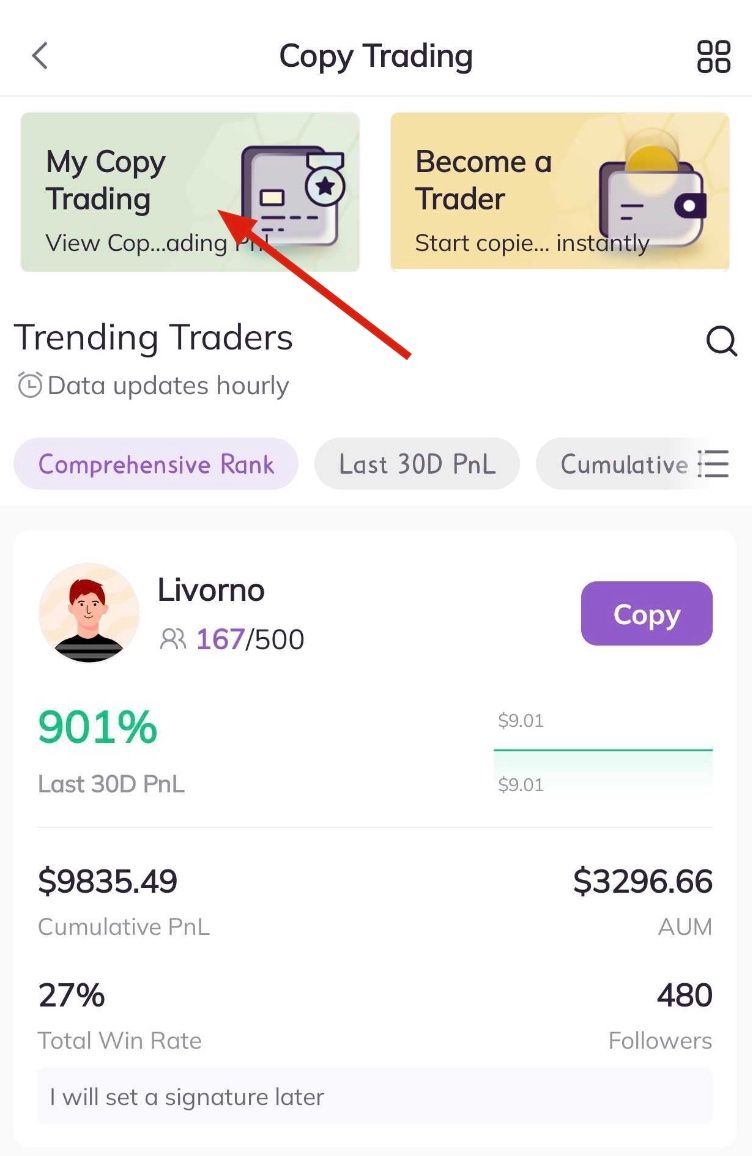
2. Enter the page of Copy Trading, click My Copy Trading at the top of the page.
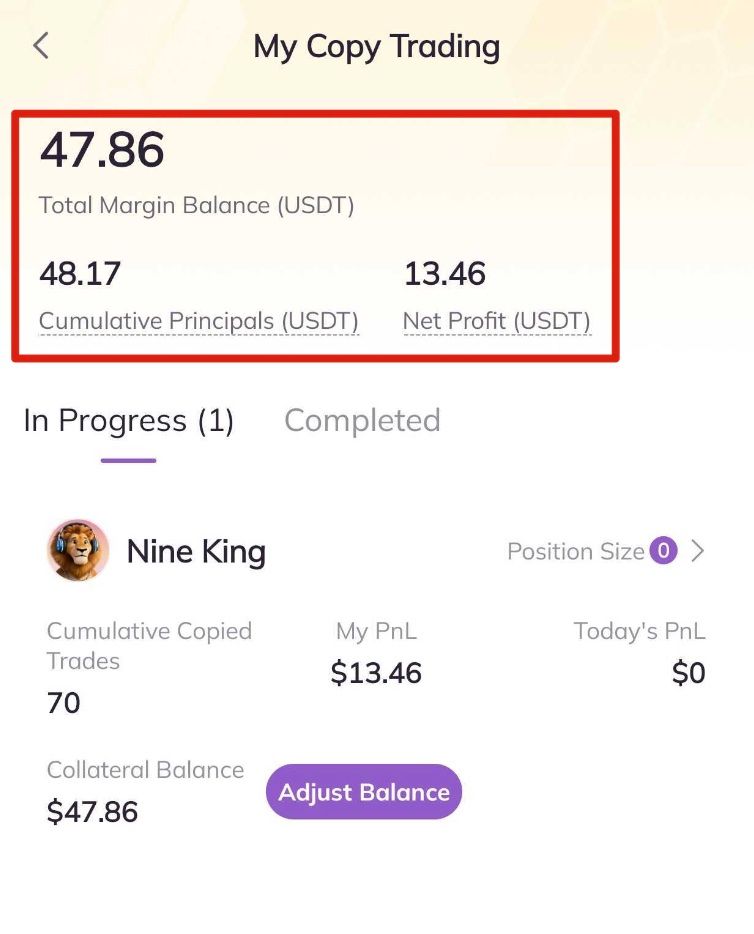
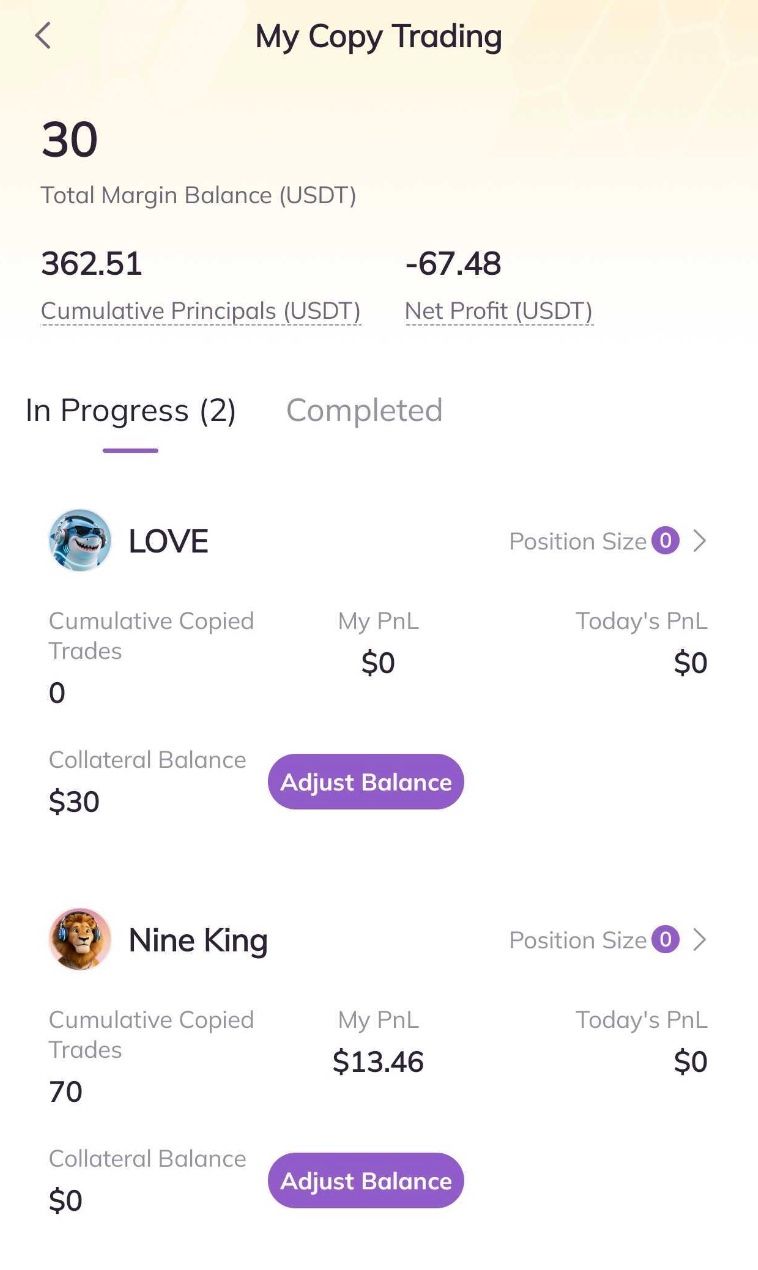
3. Enter the page of My Copy Trading to check the details of your copy trading orders, including the Cumulative Principal, and Net Profit.
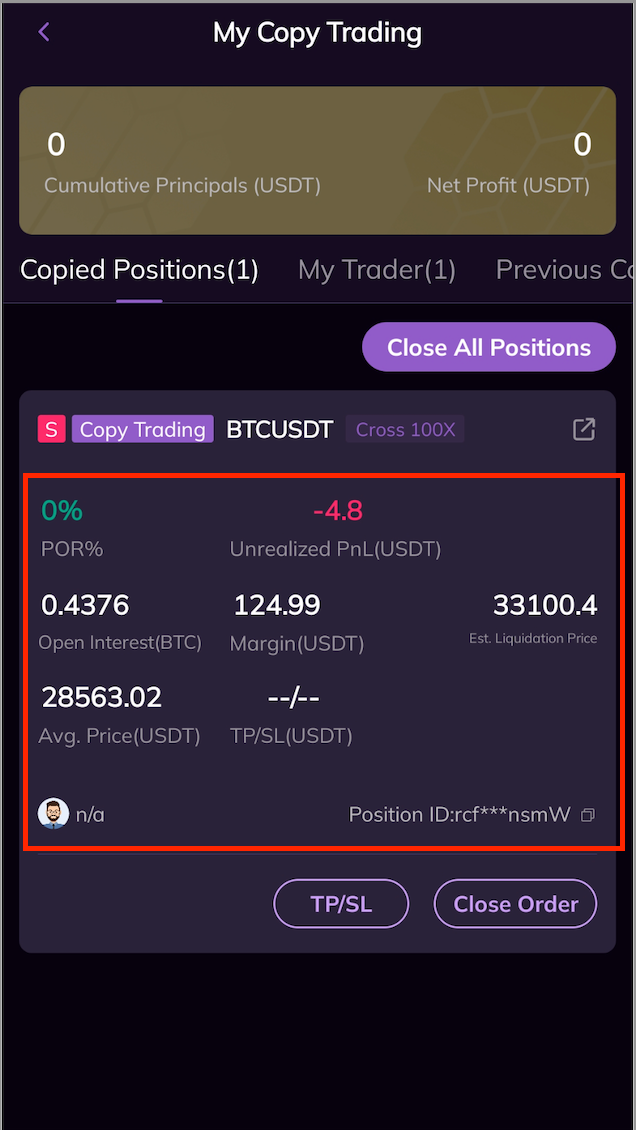
4. On the page of My Copy Trading, you can also click Copied Positions to check the details of your current copy trading orders, including assets, position size, the average price of positions, Est. PnL, unrealized PnL, Est. liquidation price, etc. You can also choose to set TP/SL for current positions, or manually Close Order on this page.
5. On the page of My Copy Trading, you can also view details of the traders you are currently following, including the traders, the cumulative number of Cumumative Copied Trades by following that trader, My PnL, and today's PnL; you can also adjust the Collateral Balance to follow that trader.
6. On the page of Copy Trading Details, you can also click Previous Copied Orders to check the records of your copy trading.