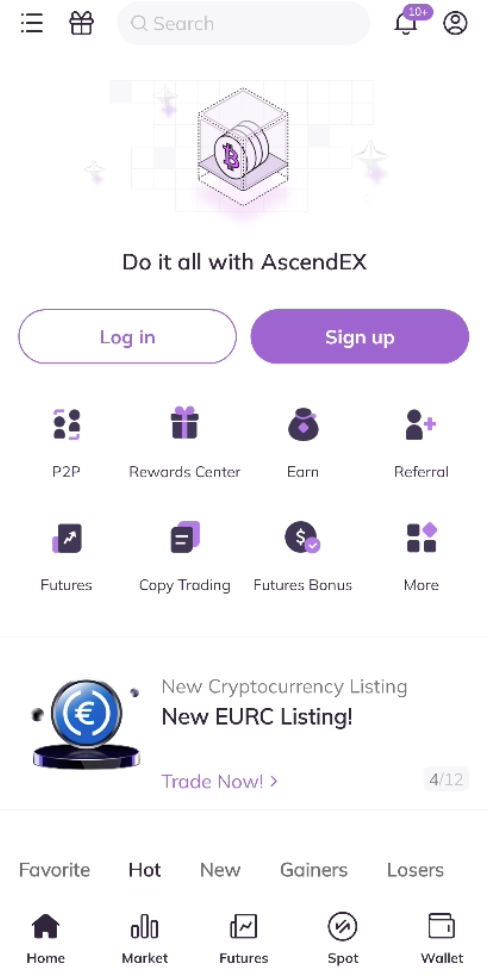
1. Enter ascendex.com in your browser to visit AscendEX official website. Click on [Download AscendEX APP] at the bottom.

2. You can download via [Google Play] or [AscendEX Download]. Click on [AscendEX Download] if you want to download the App quickly (recommended).

3. Click on [Download anyway].
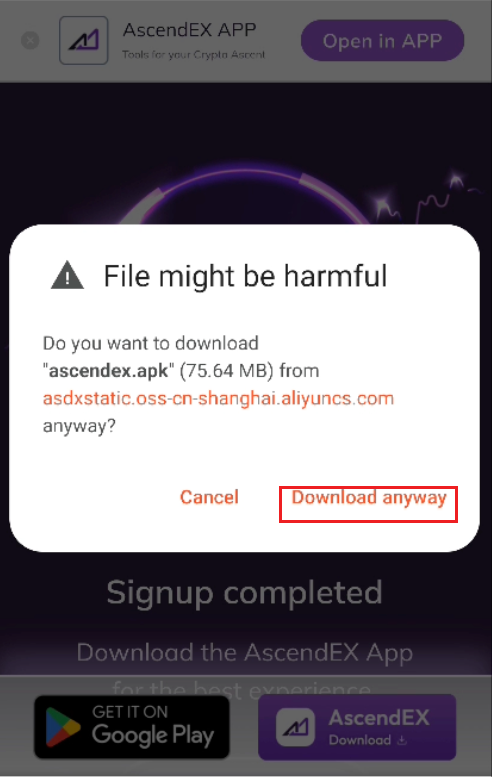
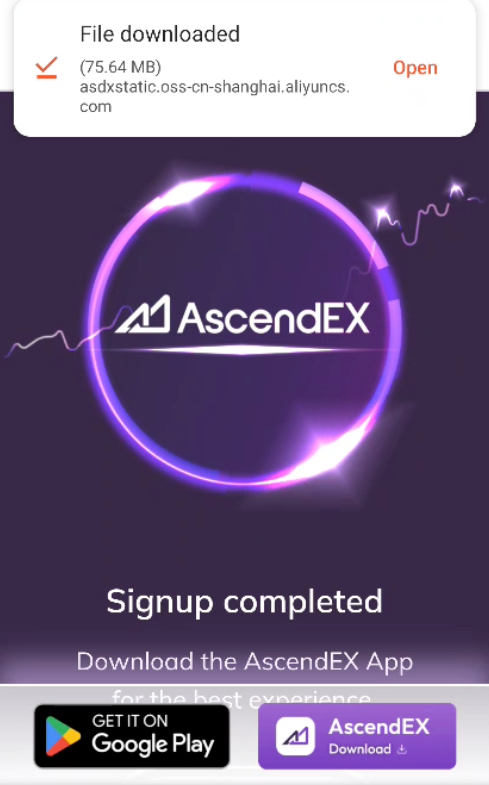
4. Click on [Open] the file downloaded and then [Install].
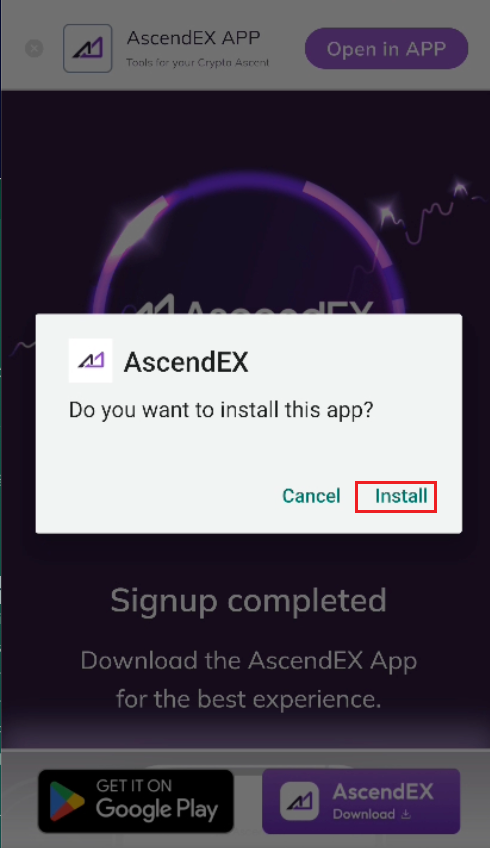
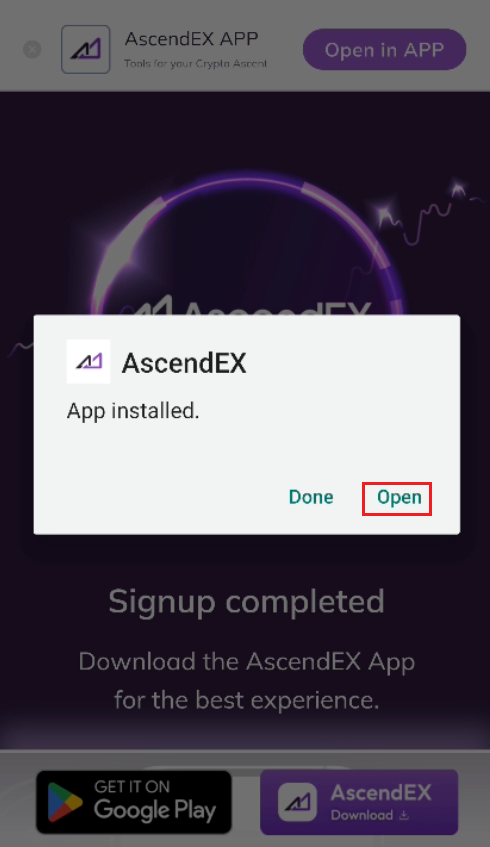
5. Wait for the installation to complete and [Open] the app. Then you can sign up on AscendEX App and log in to start trading.

How to download via Google play?
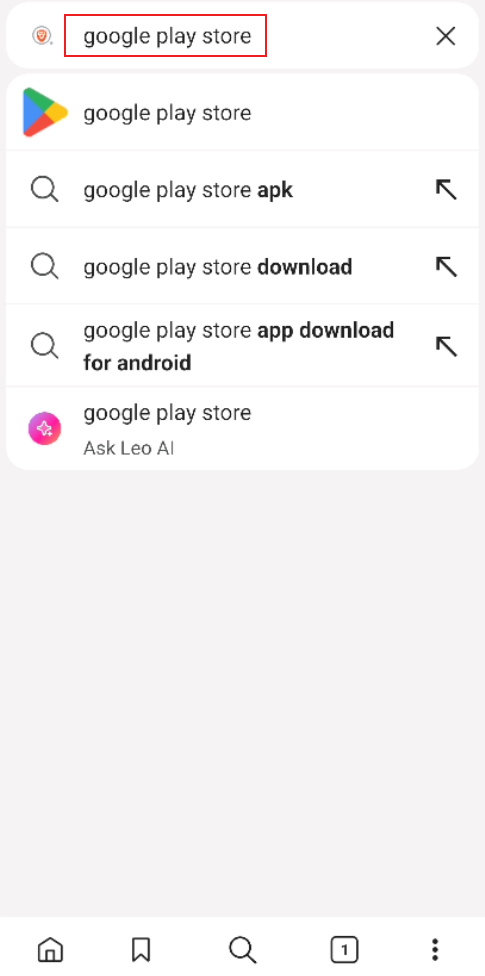
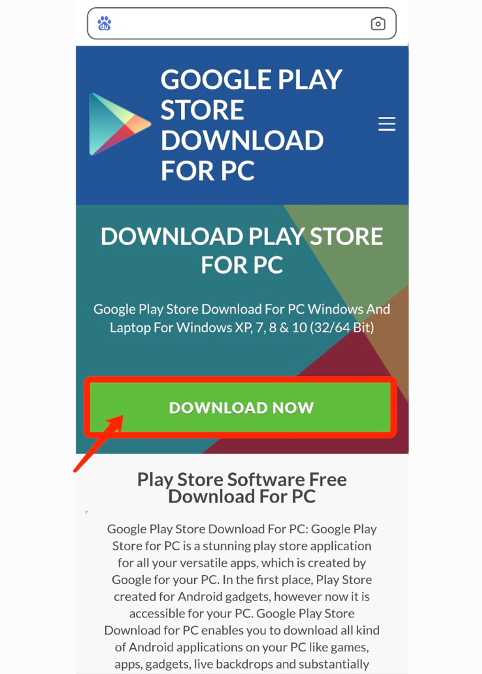
1. Search for Google Play Store via your browser and click on [Download Now] (skip this step if you already have the App).
2. Open Google Play App on your phone.
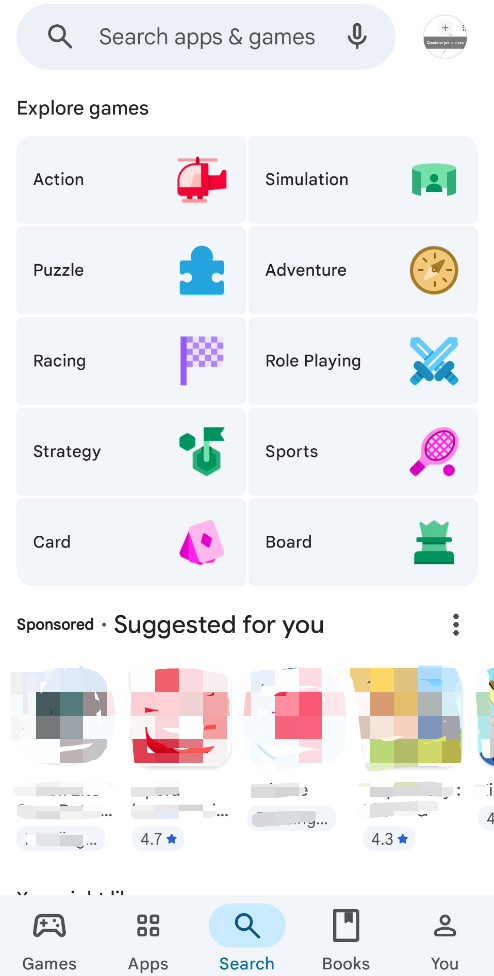
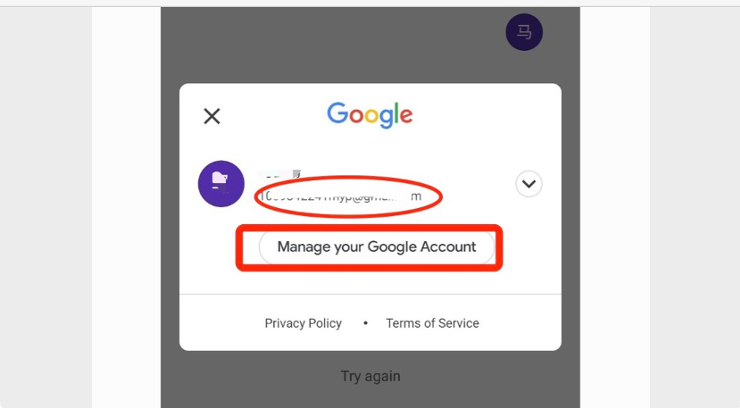
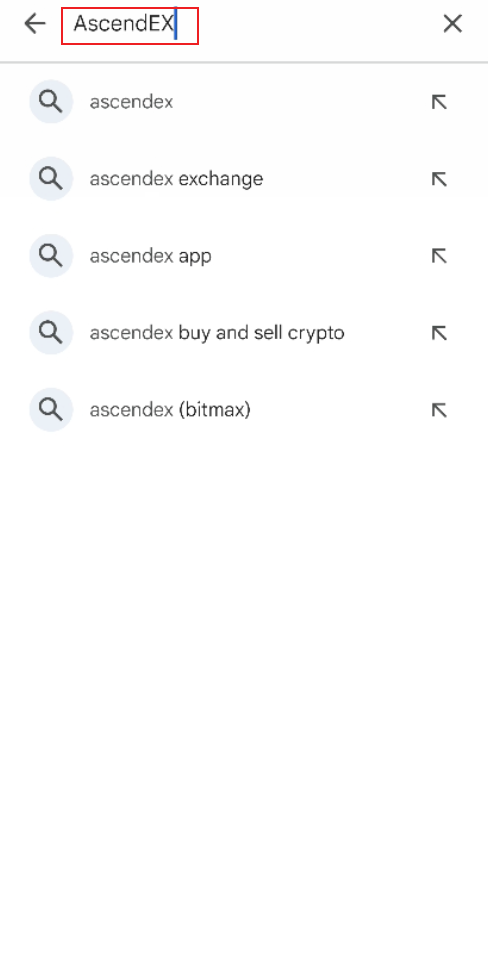
3. Sign up or log in to your Google account, and search for [AscendEX] in the Play Store.
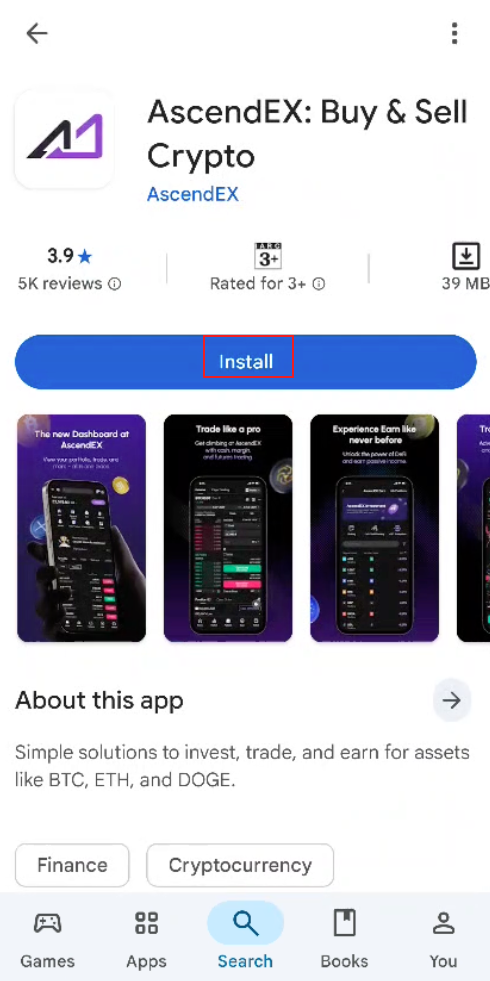
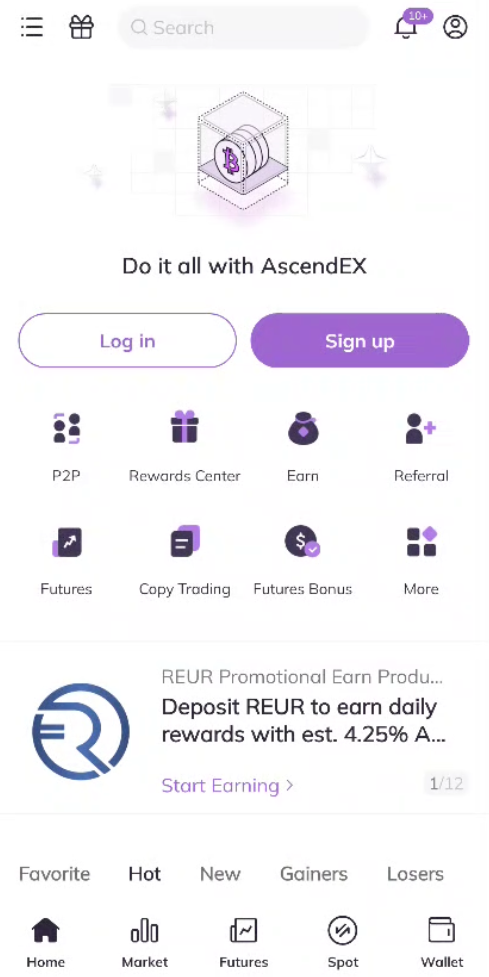
4. Click on [Install] to complete the download. Then you can sign up on AscendEX App and log in to start trading.
Also, you can download directly via the following link or QR code.
Link: https://m.ascendex.com/en/app-download
QR code: